
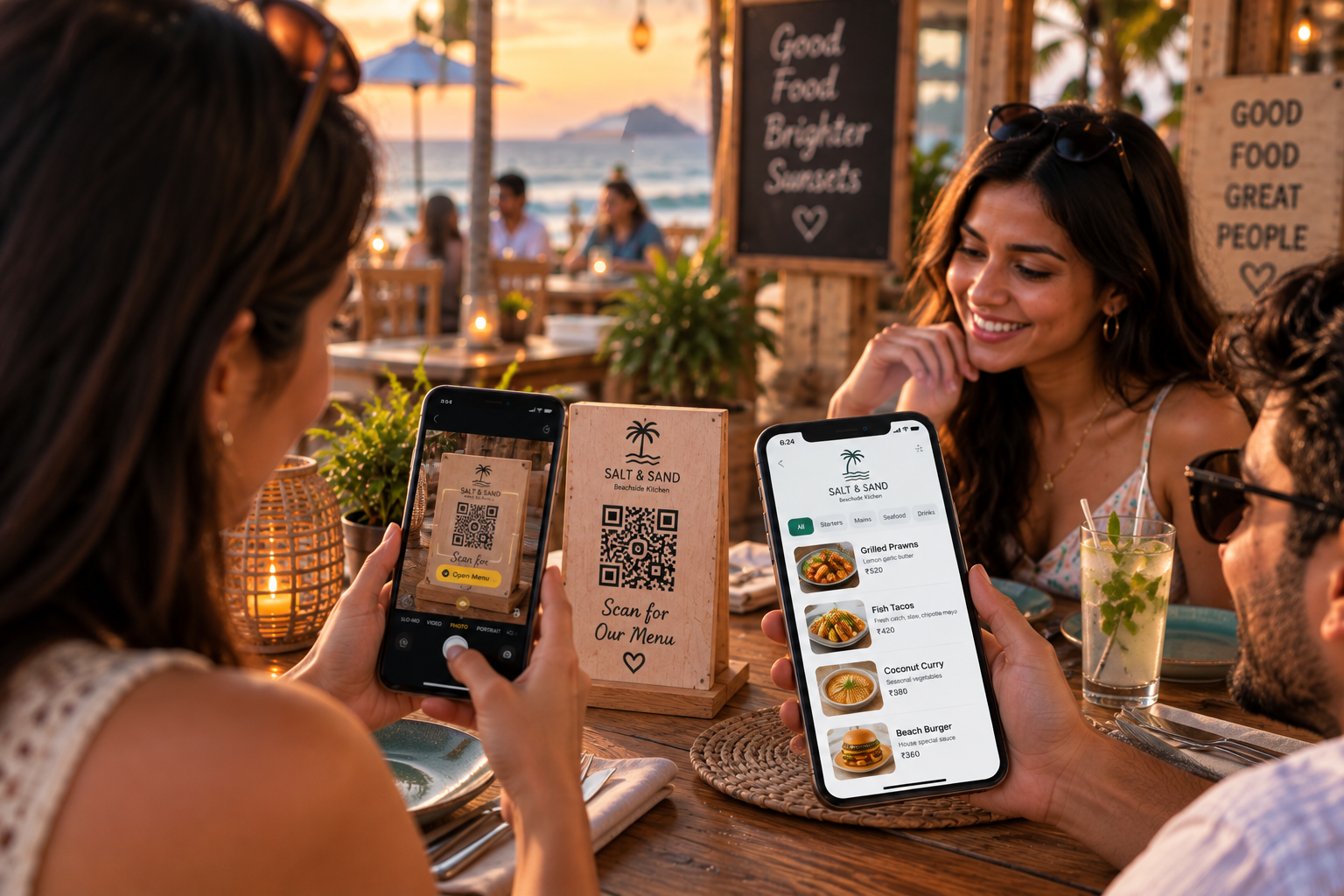
Customer table menu
Guests scan the table QR, browse the live menu, and add items without installing an app.
Give your customers a simple way to check today's menu and place orders directly from their table. No app required.
QR Menu + Table Ordering
Scan, browse, order, and let the restaurant confirm.
Update item availability whenever something sells out.
Customers can order without waiting for a server.
All orders appear in one simple restaurant dashboard.
Every table gets its own QR URL.
Dine Assist covers the customer table experience, the restaurant order dashboard, and the live order status workflow.
Guests scan the table QR, browse the live menu, and add items without installing an app.
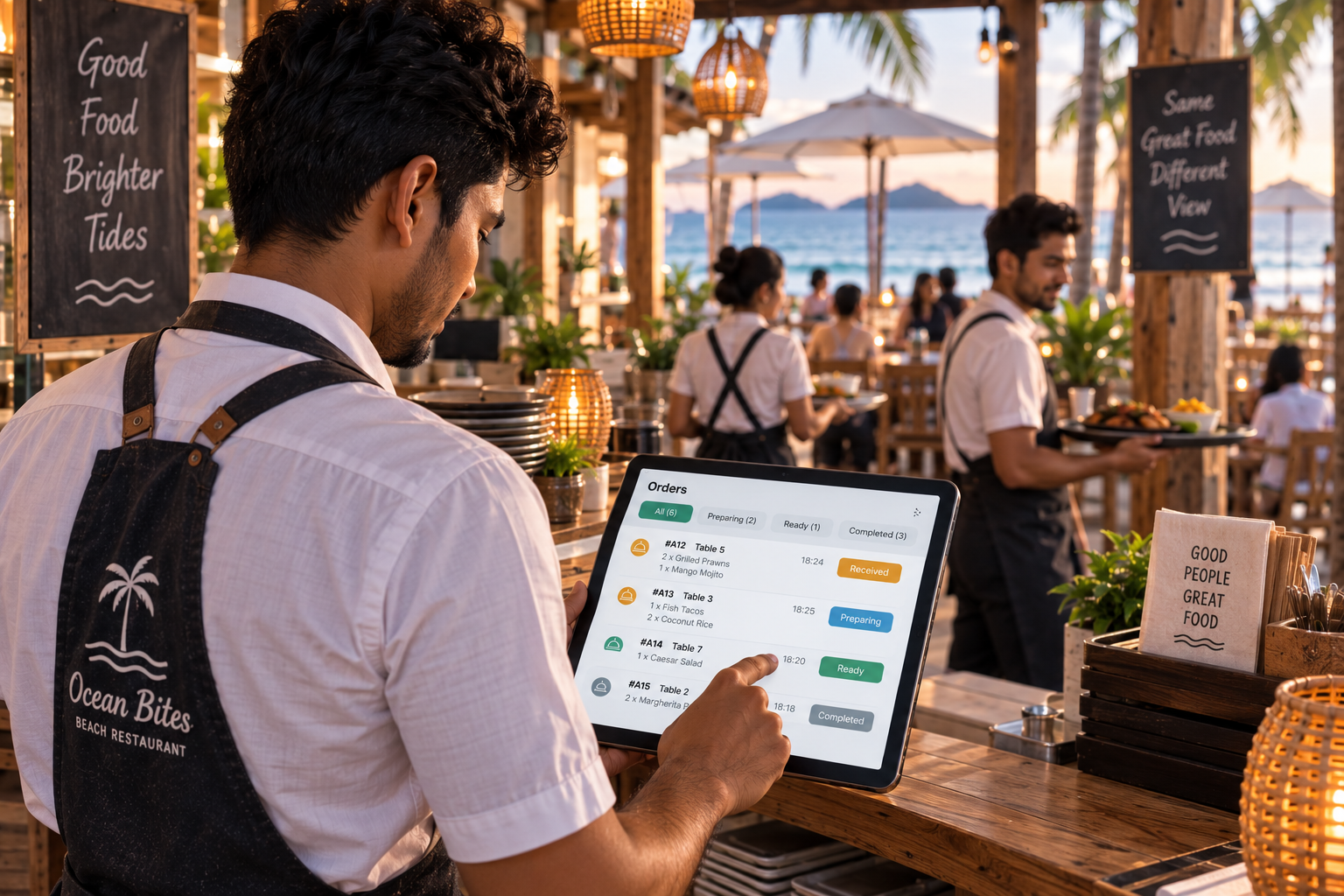
Staff receive table orders in the restaurant portal and move them through preparation.
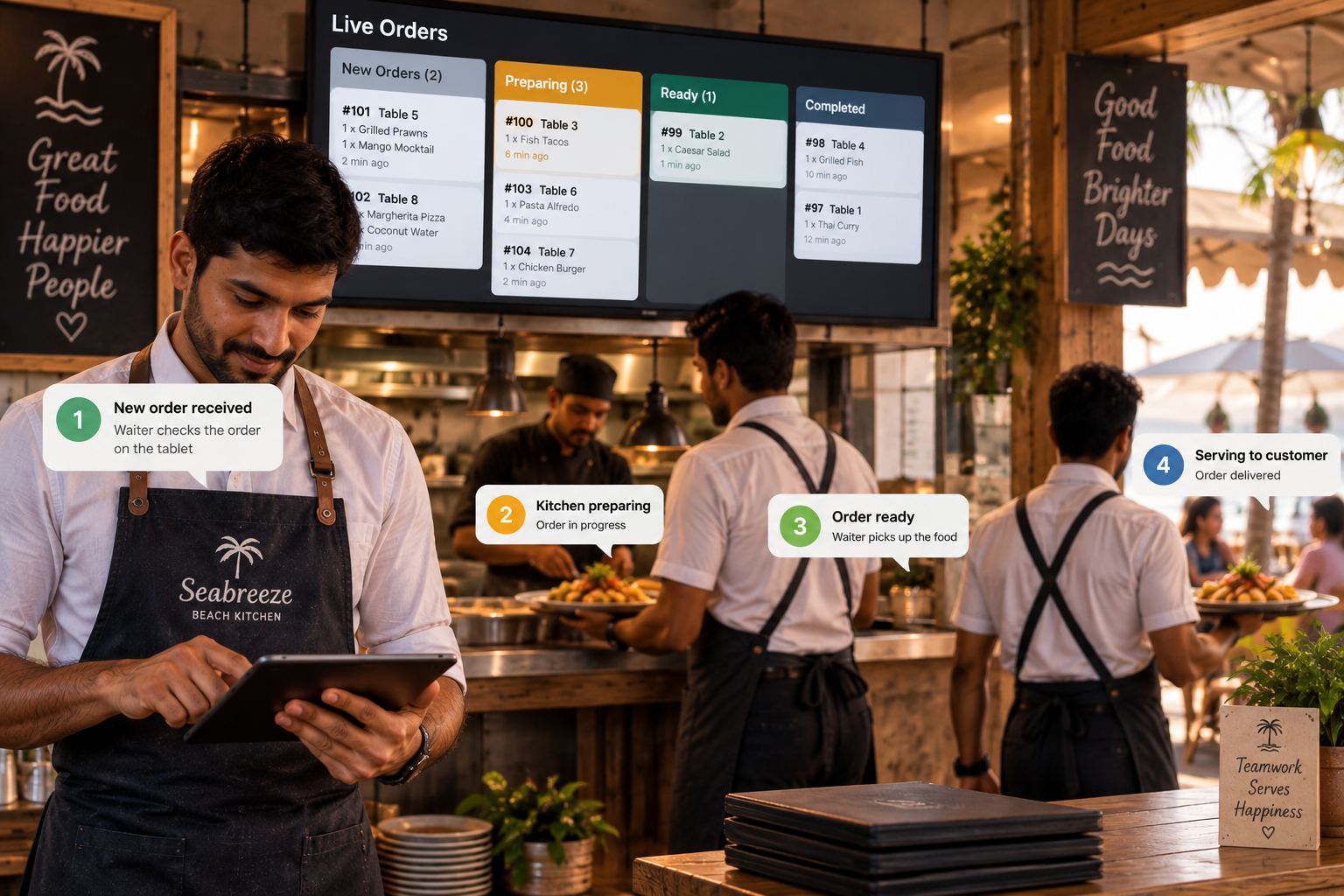
Orders can be confirmed, prepared, marked ready, and completed with a simple status flow.
Includes hosted digital menu, restaurant menu management, availability control, table-based ordering, restaurant dashboard, order confirmation workflow, table-specific QR URLs, QR generation, standard Dine Assist design, and FeelsNeat hosting.
Physical QR table stands are available separately based on the number of tables required.